🛈 If you buy through our links, Amazon pays us a small commission at no extra cost to you. That's how we keep the database running. How we choose.
📑 Contents
⚡ Top picks for your Roborock S7 MaxV Plus
Stock checked on October 5, 2026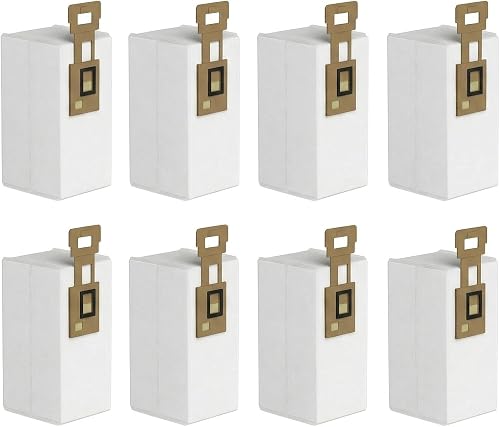
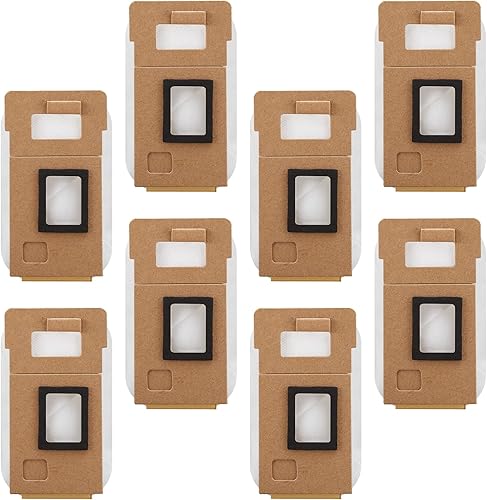

Roborock S7 MaxV Plus bags in stock
8-pack dust bags, compatible with Roborock S7/S7+, automatic base emptying 3-liter large capacity replacement…
8 Pack Dust Bag for Roborock S7 / S7+ Vacuum Cleaner Auto-Empty Dock, 3L Large Capacity Replacement Bag

4 Pack Dust Bag for Roborock S7 / S7+ Vacuum Cleaner Auto-Empty Dock
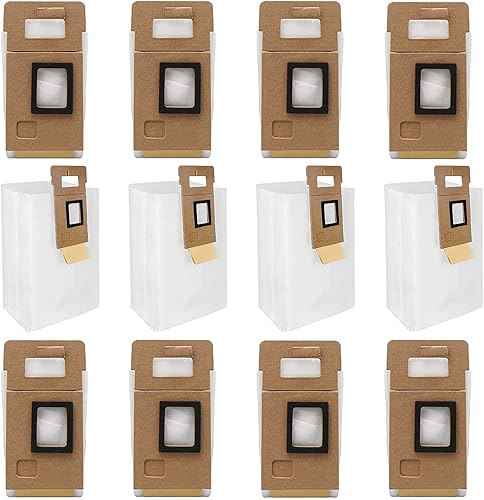
12 Pack Dust Bags - S7 Compatible with Roborock S7+ Vacuum Cleaner, 3L Large Capacity, Auto-Empty Dock
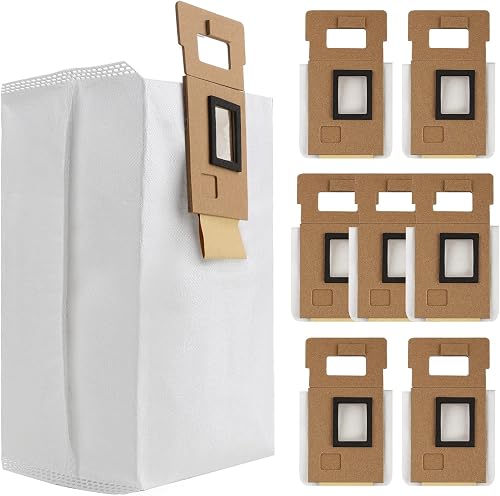
Dust Bags for Roborock S7/S7+/S7 MaxV Plus Vacuum Cleaner Auto-Empty Dock
(15 Pieces) S7 S7+ Dust Bag Replacement Vacuum Bags for Roborock S7, S7+ Robot Vacuum Cleaner, HEPA Filter…
See more compatible bags on Amazon →
BolsasPro score: combines the average rating and the number of buyer reviews on Amazon.
How to confirm it's your model
Find the vacuum's rating plate: it's usually on the bottom or under the bag compartment lid. It shows the exact model. If it matches the Roborock S7 MaxV Plus or one of its variants (S7 MaxV+, S7 MaxV), these bags will fit.
Tip: if you still have a used bag, check the cardboard collar. If it says Auto-Empty Dock S7, you're on the right track.
How to change the bag on the Roborock S7 MaxV Plus
- Open the top lid of the self-empty base.
- Pull the used bag out by its handle: on most bases the seal closes automatically as you remove it.
- Slide the new bag into its guide until it clicks. Without a bag the lid won't close or the app shows a warning.
- Close the lid and run an empty cycle from the app to make sure there's no error.
How often should you change the bag?
Every 30–60 days with daily use: each bag handles dozens of empty cycles. With pets, more often. The app usually alerts you when it's full.
Equivalent part numbers
These part numbers all refer to the same bag. If a compatible pack lists any of them, it fits your vacuum:
- Auto-Empty Dock S7
- S70
- S75
Other vacuums that use the Roborock Auto-Empty Dock S7 / S7+ bag
If you own any of these vacuums, you can buy exactly the same bags:
More Roborock models
Frequently asked questions
What bag does the Roborock S7 MaxV Plus take?
The Roborock S7 MaxV Plus uses Roborock Auto-Empty Dock S7 / S7+ bags. The genuine part number is Auto-Empty Dock S7 (also listed as S70, S75). Compatible bags that list that part number or the model in the title also fit.
Do compatible bags work in the Roborock S7 MaxV Plus?
Yes. Good-quality compatible bags have the same cardboard collar and are usually multi-layer microfiber, which filters as well as or better than the original paper. Pick packs with lots of reviews that list part number Auto-Empty Dock S7.
How often should you change the bag on the Roborock S7 MaxV Plus?
Every 30–60 days with daily use: each bag handles dozens of empty cycles. With pets, more often. The app usually alerts you when it's full.
Can I empty and reuse the Roborock S7 MaxV Plus base bag?
It's not recommended: these are disposable bags with an automatic seal. Emptying them damages the material and lets fine dust escape. A replacement pack works out cheap per bag.